PDF to images
Free PDF to Images Extractor
Pull the figures out of any PDF as real PNG files — in your browser, never uploaded. Charts keep their axis labels, and a figure the PDF chopped into pieces comes back as one.
Why ours is different
Figures that stay faithful
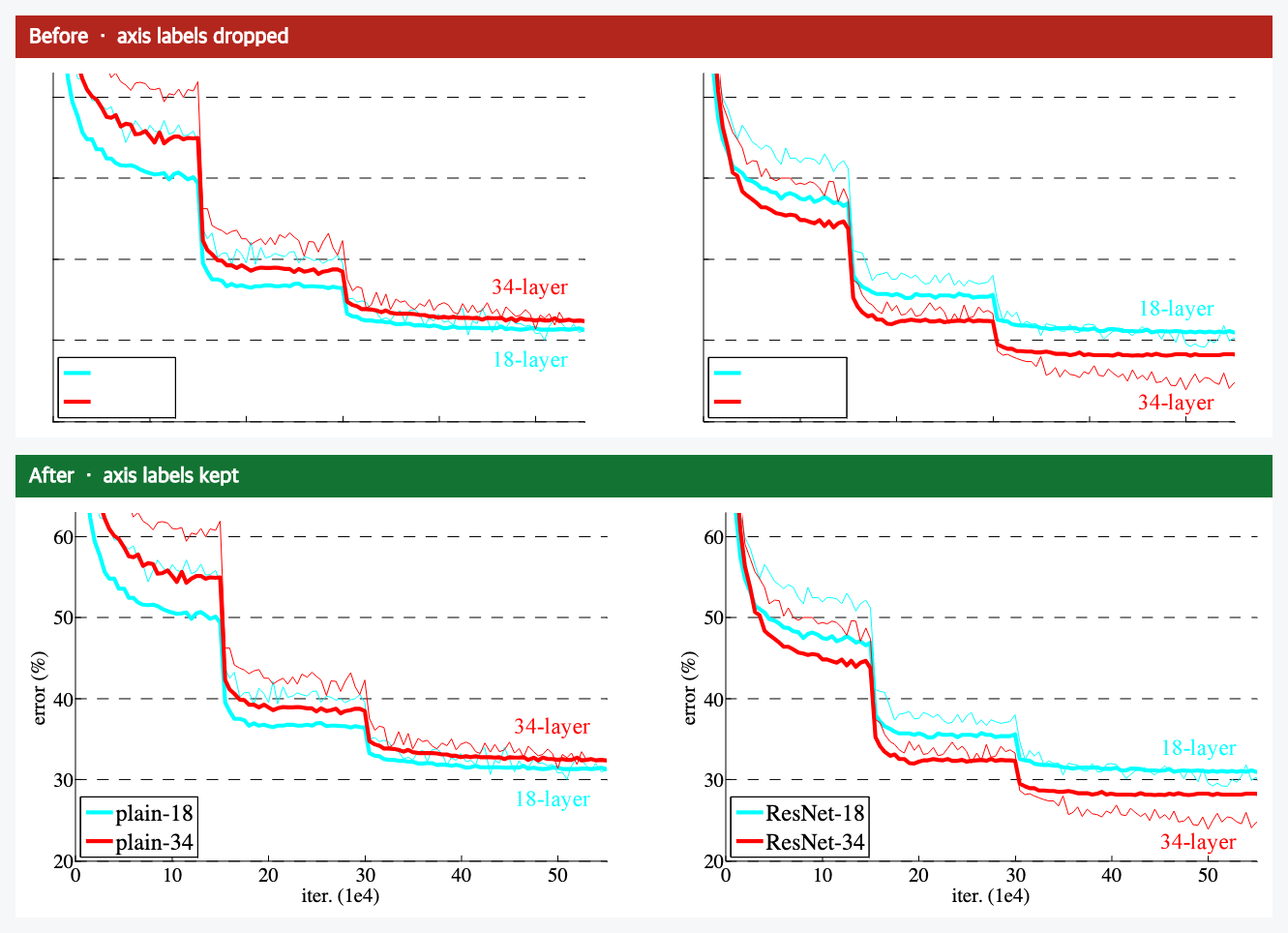
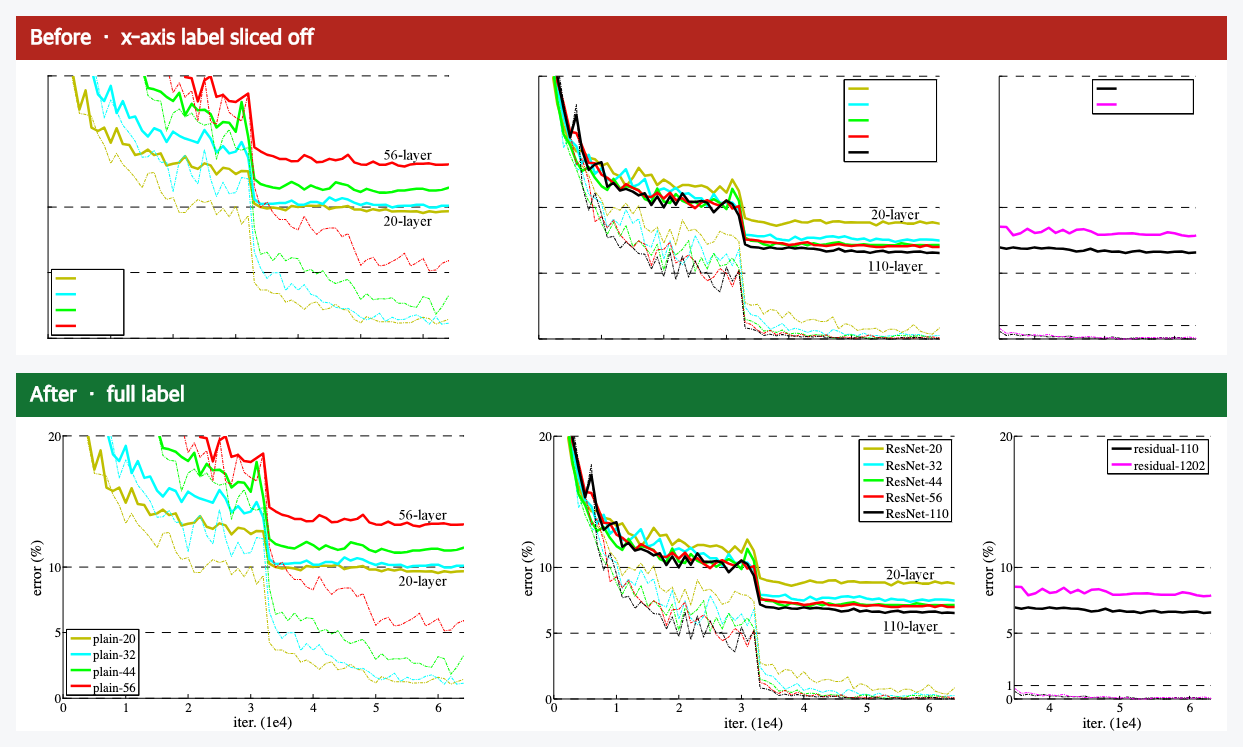
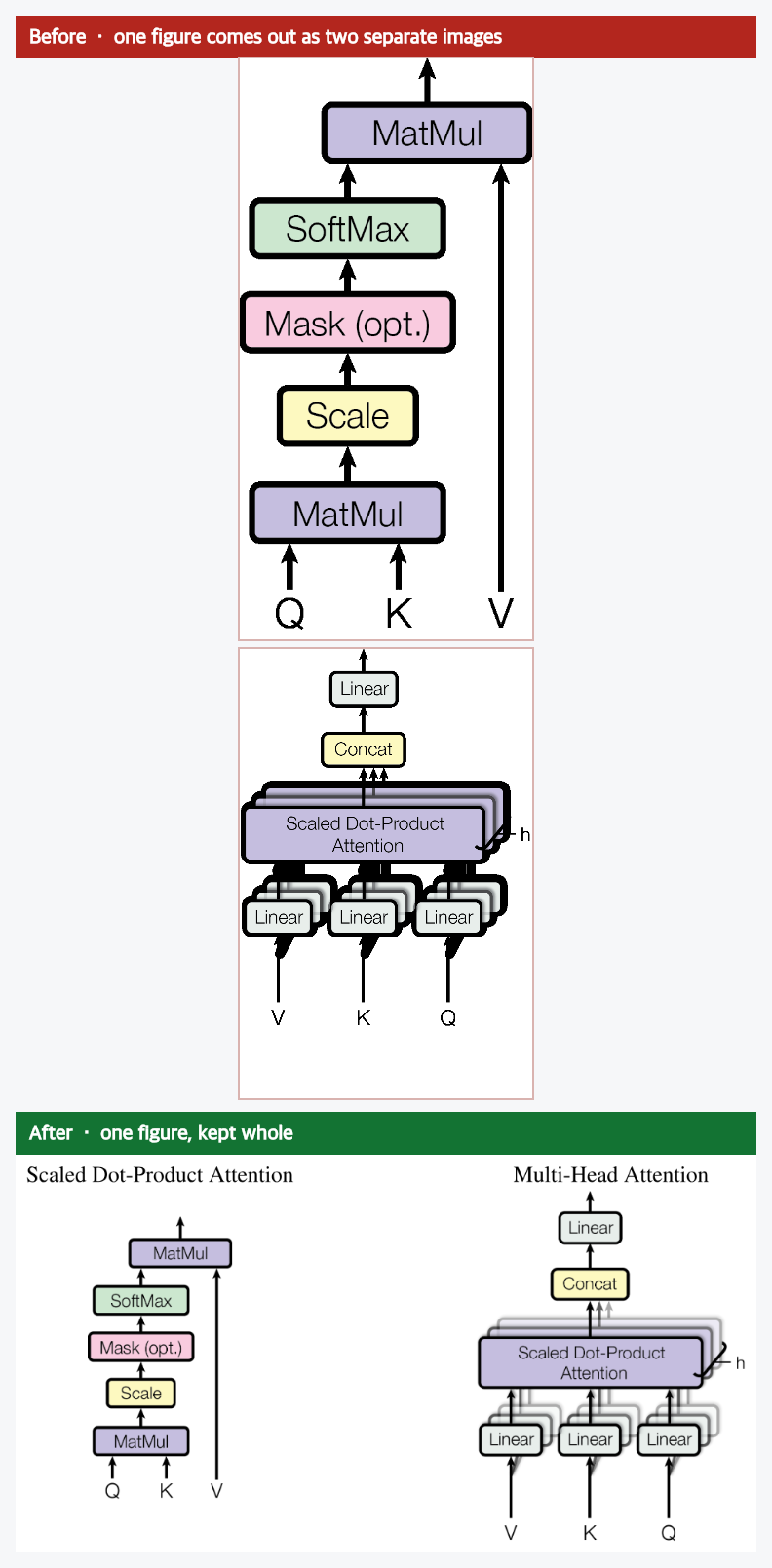
Most extractors grab the picture but lose what makes it readable: the axis labels get clipped, or one figure breaks into a pile of fragments. Here is the difference on real pages from papers you may know.
Real PNG files
The figures come out as actual PNG images in an images/ folder — bundled with the Markdown in a single ZIP you download.
Faithful, not cropped
Charts keep their axis labels and tick numbers, and a figure the PDF split into pieces gets joined back into one — the parts most extractors lose.
Private & instant
It all runs in your browser — your PDF never leaves your device. Free, no signup, no waiting on an upload.
Three simple steps
Get the images out in 3 steps
01
Drop your PDF
Drag it in or click to choose a file. It opens right here — nothing is uploaded.
02
We find the figures
The converter pulls out the figures and lays the document out as clean Markdown, side by side with the original.
03
Download the ZIP
When there are figures, Download gives you a ZIP: an images/ folder of real PNGs plus the Markdown.
How it compares
How it compares.
Plenty of tools save images out of a PDF. Here's the honest picture of where we're different — and where the others are genuinely fine.
| pdfmarkdown.appTHIS TOOL | Adobe Acrobat | iLovePDF | PDF24 | |
|---|---|---|---|---|
| Free, no signup | Yes | No paid / account | Limited limits | Yes |
| File stays on your device | Yes in-browser | Limited desktop app | No uploads | Limited |
| Figures saved as PNGs | Yes | Yes | Yes | Yes |
| Keeps chart axis labels | Yes | Limited | Limited | Limited |
| Re-joins a figure the PDF split in pieces | Yes | No | No | No |
| Also gives clean Markdown alongside | Yes | No | No | No |
Compared on what matters for getting usable figures out of a PDF. Acrobat, iLovePDF and PDF24 all save images, and for a quick grab they're fine. What we add: figures that stay faithful (labels kept, split figures rejoined), everything in your browser, and clean Markdown alongside. Last checked June 2026.
Frequently asked questions
How do I extract images from a PDF? +
Drop your PDF on this page (or click to choose one) and it pulls the figures out right in your browser. When the PDF has figures, the Download button gives you a ZIP with the images as PNG files in an images/ folder, alongside the converted Markdown. Nothing is uploaded.
Can I extract images from a PDF for free, without Adobe or any install? +
Yes. This runs in your web browser, with no Acrobat, no desktop app and no account. It is free, with no page or file limits.
Can it pull the figures out of a research paper? +
Yes, that is what it is tuned for. Charts and diagrams come out as images with their axis labels and captions kept, and a figure a paper split across two images is rejoined into one.
Does it work on scanned PDFs? +
A scanned PDF is usually one big image per page rather than separate embedded figures, so there is nothing distinct to pull out of the page. You can still convert it, but the figures feature is meant for PDFs that contain real figures, like most papers and reports.
Is it free? +
Yes. Extracting the images from your PDF is completely free — no account, no signup, no credits or limits.
Does my file get uploaded? +
No. Everything runs inside your browser on your own device. Your PDF and its images are never sent to a server.
What image format do I get? +
You get the figures as real PNG files inside an images/ folder, bundled with the converted Markdown in a single ZIP you download.
Does it keep chart axis labels? +
Yes. When a chart is built from text and vector lines, the extracted figure keeps its axis labels and tick numbers instead of cropping them off the edges — so the chart is still readable.
Can I get just the figures without the Markdown? +
Not as a separate option. When your PDF has figures, the download is a ZIP containing both the figures as PNGs (in an images/ folder) and the clean Markdown. Take the images/ folder and ignore the rest if that is all you need.
Try it now
Get the figures out of your PDF.
In your browser. Free. No signup. Your file never leaves your device.
Need to extract the text instead? Extract text from PDF →